Earth zoom out effect from a photo
Upload a photo and the camera starts on your subject, then pulls back through the clouds into space until the whole Earth is in view. No prompt and no editing needed.
Drop a photo or click to upload
JPG, PNG or WebP · up to 10 MB
Outdoor photos with a clear subject in the middle work best.
Examples
Real results from this effect. We made the photos ourselves with AI, so no real people are shown.
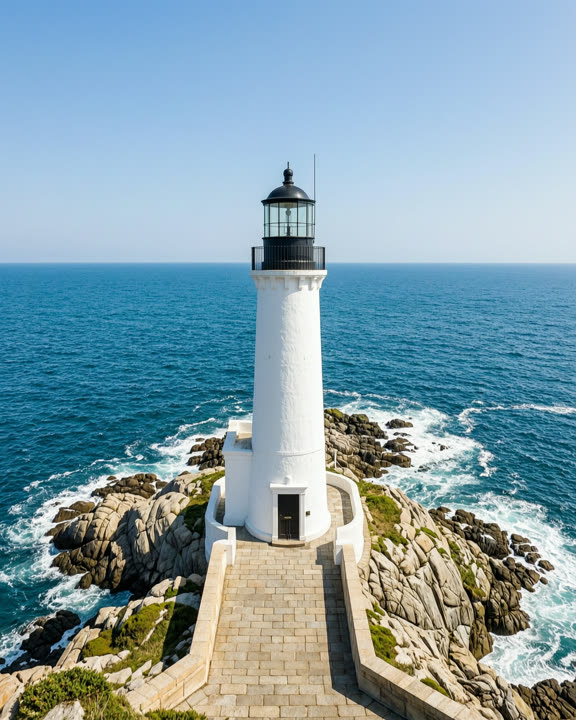
A white lighthouse on a rocky coast
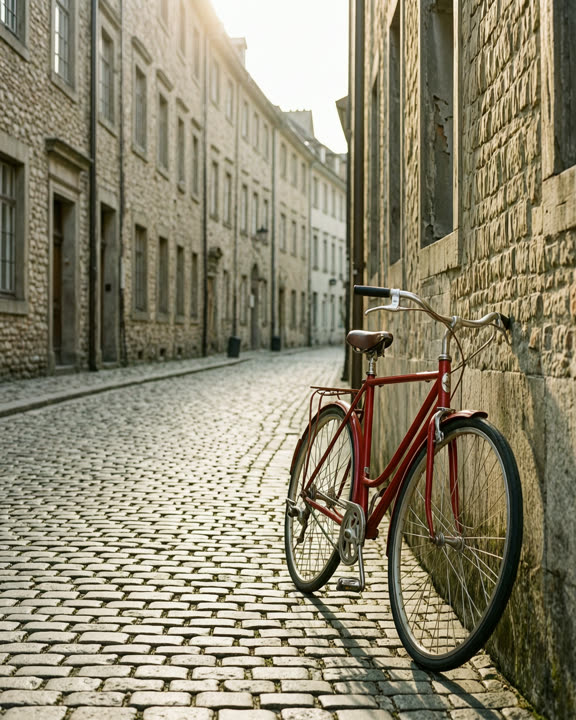
A red bicycle on an old cobblestone street
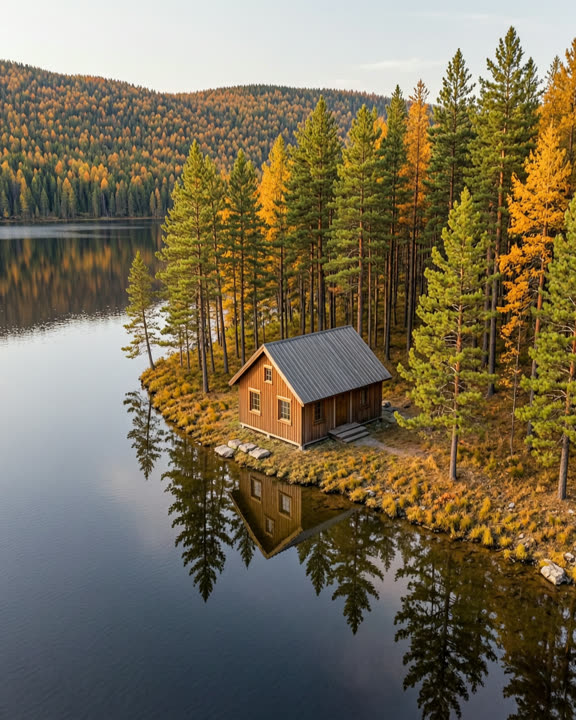
A wooden cabin by a lake in an autumn forest
How to make an earth zoom out video
Upload a photo
Pick an outdoor shot of yourself, a friend, a building or a landmark. JPG, PNG or WebP, up to 10 MB.
Sign in and generate
Sign in with Google and click Generate. The button shows how many credits the video costs before you start.
Download your zoom out
The video is usually ready in about 1–3 minutes. Download the MP4, or find it later in My creations.
Why use this zoom out effect
No drone, no editing
The camera move from the ground to space is built into the effect. You only need one photo.
A strong opening shot
Use it to start a travel video, reveal where you are or end a clip with a big pull-back. It’s 5 seconds at 720p.
Fair if it fails
If a video fails, is refused by the content check or takes too long, the credits are refunded automatically.
Choosing a photo for the zoom out
Outdoor photos work best, because the camera needs to rise up from where the photo was taken. A person standing in a street, on a beach or in a park, a house, or a well-known landmark all make good starting points. Keep the main subject near the center of the frame.
Indoor photos can work too, but the move through the roof can look less natural. Sharp, well-lit photos give the AI more detail to start from. The video keeps the shape of your photo, so use a vertical photo if you plan to post it as a Reel, Short or TikTok.
What the video looks like
The video opens on your photo, then the camera pulls back: first the street or landscape around the subject, then the city or coastline from above, then the clouds, and finally the whole Earth against space. The exact path changes a little each time, so generate again if you want another take.
The AI imagines what’s around your photo, so the map it shows won’t match your real location. Effect videos are silent and labelled as AI-generated. Those made with free credits carry a small AI watermark in the corner; videos made with paid credits have none.
Frequently asked questions
More AI effects
- Pet danceYour cat or dog stands up and dances.9 credits
- Old photo animationPeople in old photos blink, breathe and smile.9 credits
- Fruit cuttingA knife slices the object open to show juicy fruit inside.9 credits
- AI danceThe person in your photo breaks into a dance.9 credits
- AI muscleFlex and grow a bodybuilder physique.9 credits
- BabyfiedSee an adult turn into a toddler version of themselves.9 credits
- AI ageWatch a face age by decades in five seconds.9 credits
- AI cakeA knife slices in and it was cake all along.9 credits
- Bullet timeTime freezes and the camera circles the moment.9 credits
- AI inflateYour subject puffs up like a balloon and floats away.9 credits
- Product spinYour product turns on a turntable under studio lights.9 credits