AI inflate: puff up any photo like a balloon
Upload a photo and watch the subject swell up, wobble and drift off into the air. There’s nothing to type: one photo becomes a funny 5-second video.
Drop a photo or click to upload
JPG, PNG or WebP · up to 10 MB
One clear subject with some sky or space above it works best.
Examples
Real results from this effect. We made the photos ourselves with AI, so no real people are shown.
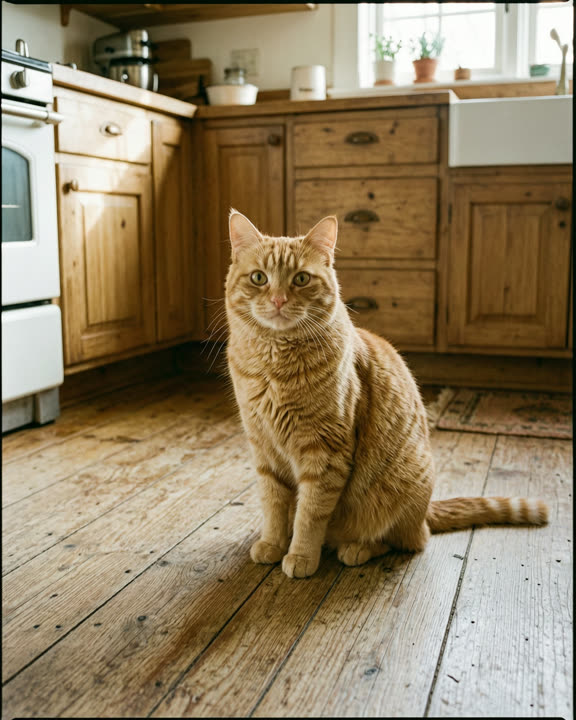
A ginger cat on a kitchen floor
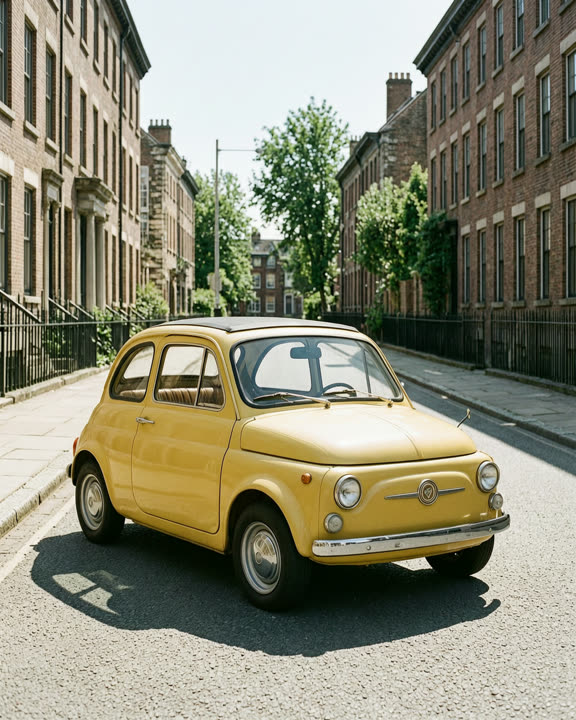
A small yellow vintage car
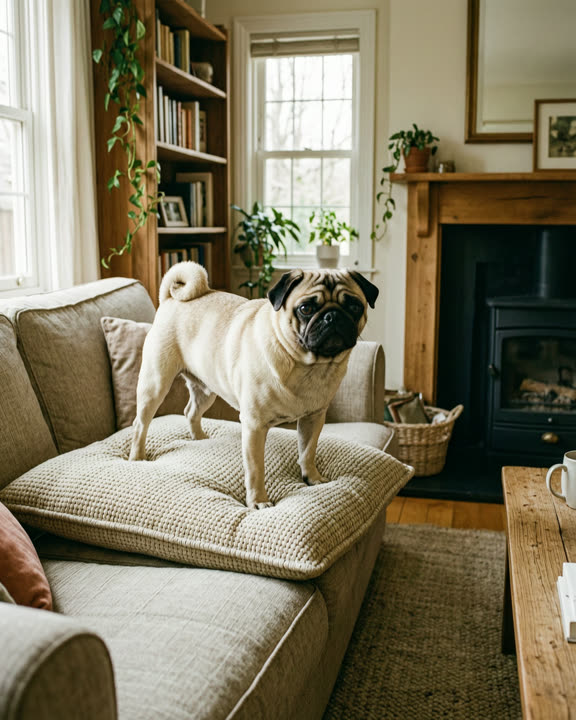
A pug standing on a sofa cushion
How to make an AI inflate video
Upload a photo
Drop a JPG, PNG or WebP of a pet, an object, a car or an adult, up to 10 MB and at least 240 px on the short side.
Sign in and generate
Sign in with Google and click Generate. The button shows how many credits the video costs before you start.
Download and share
Your inflated video is usually ready in about 1–3 minutes. Download the MP4 or find it later in My creations.
Why try the AI inflate effect
No prompt to write
The puff-up and float-away are built in. You only choose the photo, so you get the joke without describing any motion.
Made for social posts
You get a 5-second 720p MP4 that keeps the shape of your photo. Use a vertical photo for Reels, Shorts and TikTok.
Free credits to start
New accounts get free credits. If a video fails or takes too long, the credits are refunded automatically.
What to inflate
Almost anything with a clear outline works: a cat on the sofa, a dog in the park, a car in the driveway, a burger on a plate or a friend posing for the camera. The funniest results come from things that would never float in real life. Pick a sharp, well-lit photo where the whole subject is in view.
One main subject gives the most reliable result. Leave some space above it, since the subject rises as it floats away; a tight crop can cut it off. In group photos the AI may inflate the wrong person or several at once. Photos of children aren’t allowed, so use photos of yourself or adults who agreed to it.
What the video looks like
The subject starts to puff up, getting rounder and bouncier like a party balloon. It wobbles for a moment, then lifts off and drifts upward while the colors and background stay close to your photo. The clip is 720p and silent, so add a squeaky sound or a song in your favorite app before you post.
Every result is a little different, even from the same photo. Sometimes the subject floats out of frame, sometimes it only rises a little. If you don’t like the first one, try again or use another photo. Videos made with free credits carry a small AI watermark in the corner; videos made with paid credits have none.
Frequently asked questions
More AI effects
- Pet danceYour cat or dog stands up and dances.9 credits
- Old photo animationPeople in old photos blink, breathe and smile.9 credits
- Fruit cuttingA knife slices the object open to show juicy fruit inside.9 credits
- Earth zoom outThe camera pulls back from your photo all the way to space.9 credits
- AI danceThe person in your photo breaks into a dance.9 credits
- AI muscleFlex and grow a bodybuilder physique.9 credits
- BabyfiedSee an adult turn into a toddler version of themselves.9 credits
- AI ageWatch a face age by decades in five seconds.9 credits
- AI cakeA knife slices in and it was cake all along.9 credits
- Bullet timeTime freezes and the camera circles the moment.9 credits
- Product spinYour product turns on a turntable under studio lights.9 credits